 Tracka
The whole family.
On one map.
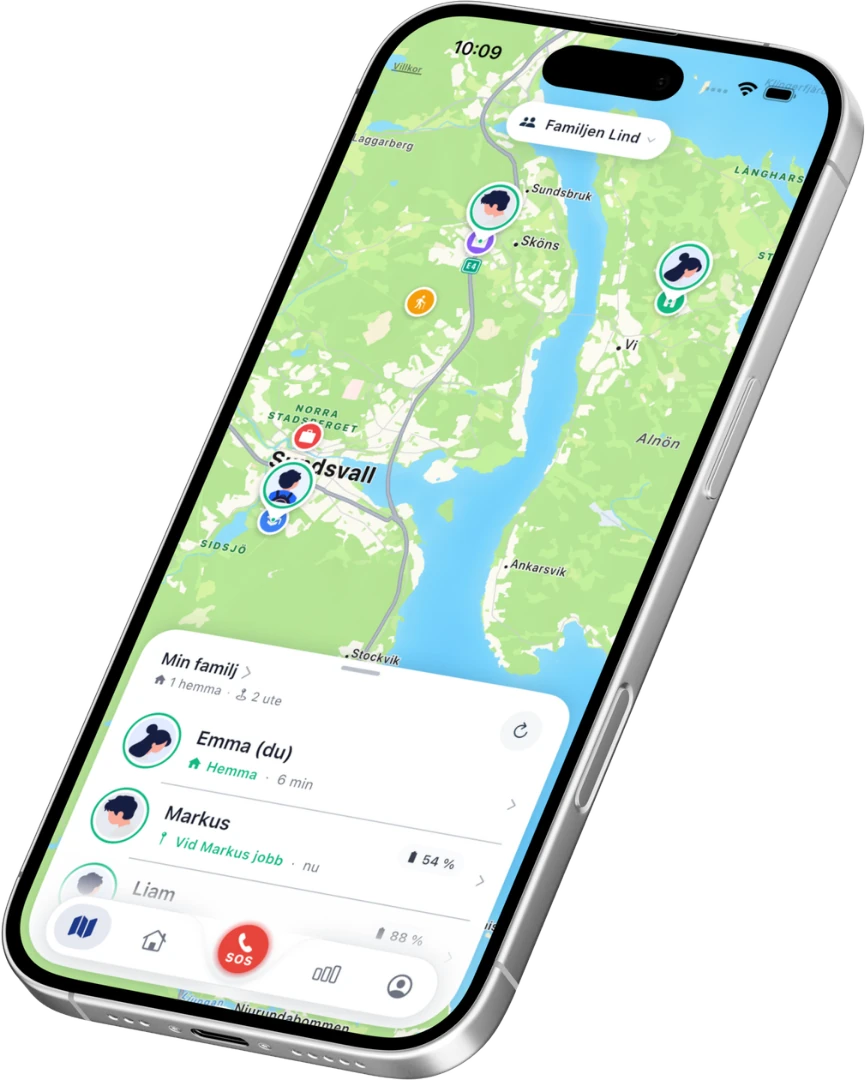
See where everyone is, know when they arrive and feel at ease — without anyone feeling watched.
14 days free. No card needed.
Download the app and create an account
It takes a minute. All you need is an email address.
Invite your family
The others download the app and enter the family code, or scan the QR code.
Add your places
Home, school, practice. After that you’ll know when someone arrives.
Everything that makes everyday life
a little calmer.
From a six-year-old’s walk to school to a twenty-year-old’s first drive. Tracka shows what matters and keeps quiet about the rest.
The whole day in one feed
Nobody has to text “I’m here”. The feed shows when someone got home, to school or to practice — and every trip with a map, distance and top speed.
The week in numbers
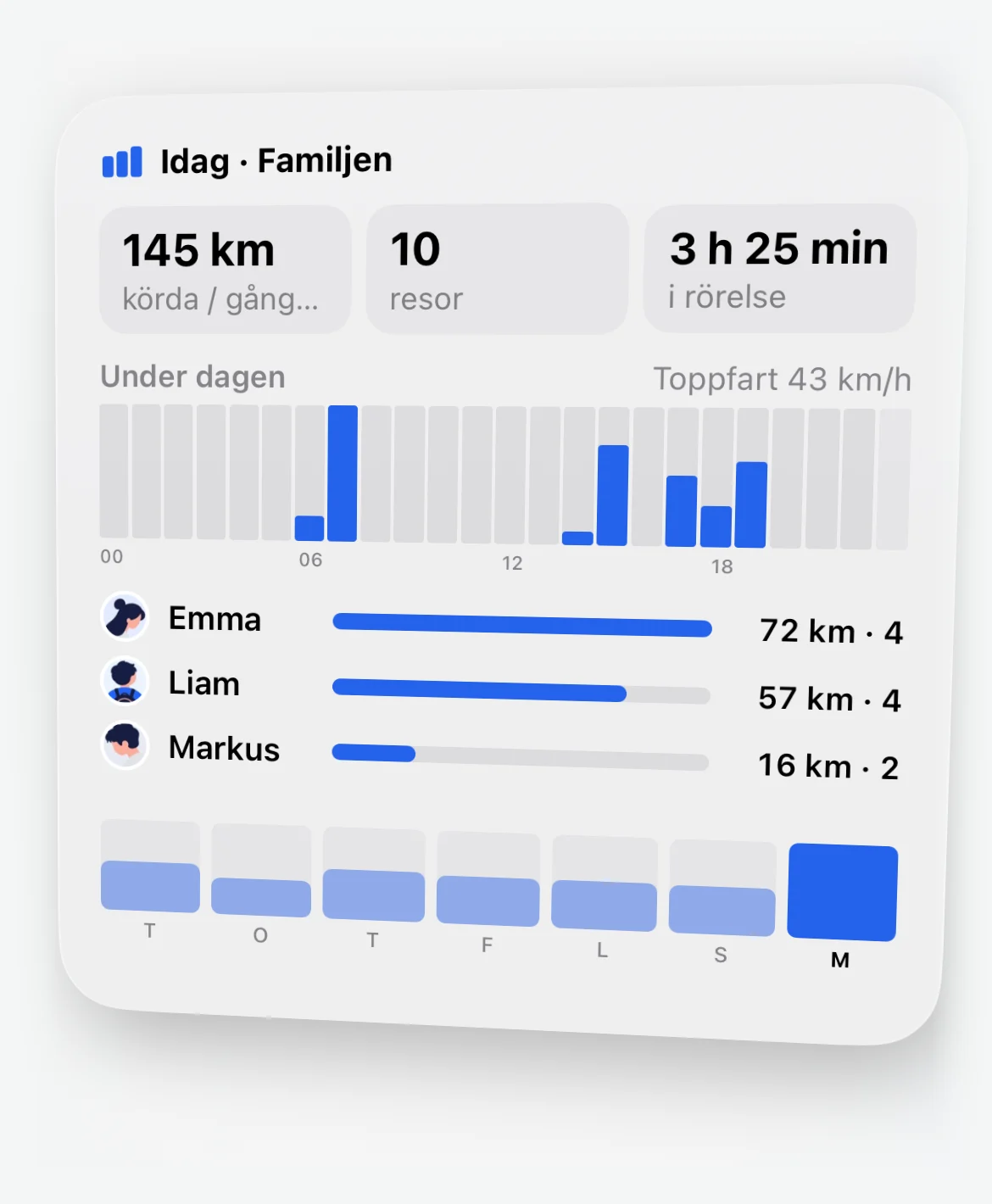
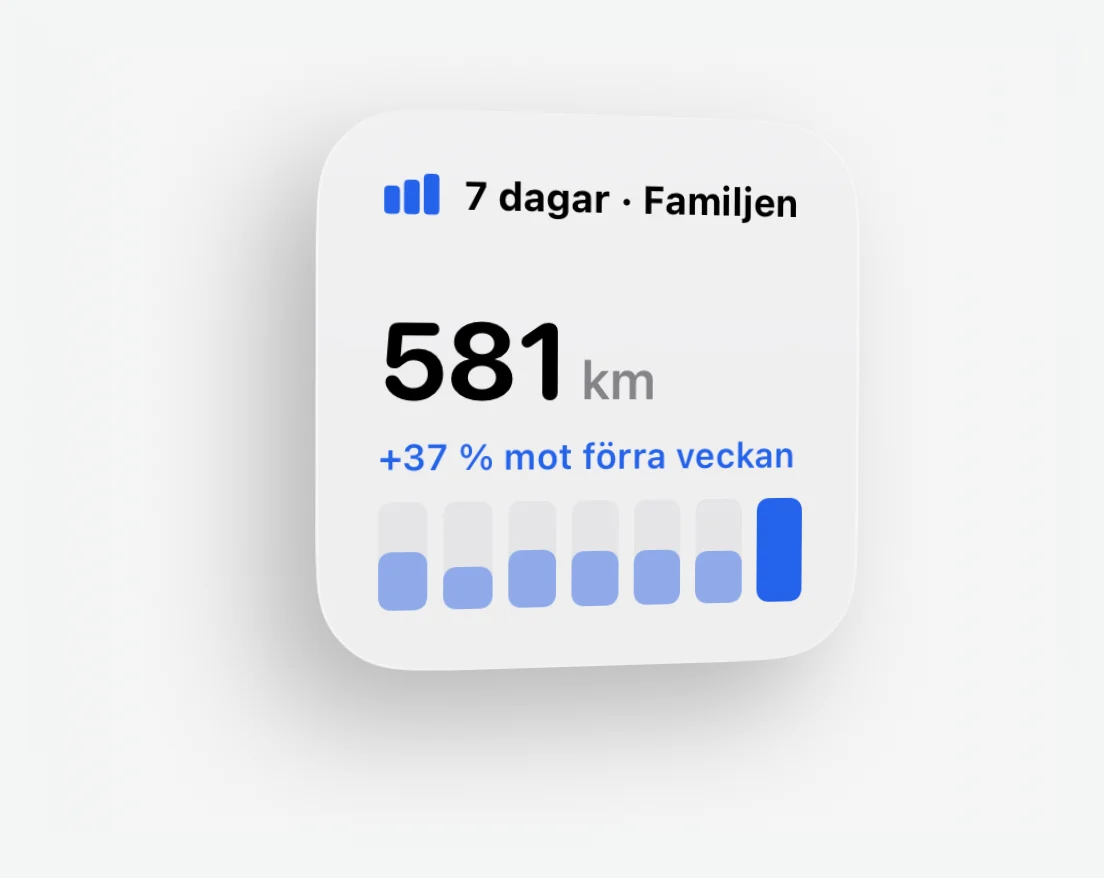
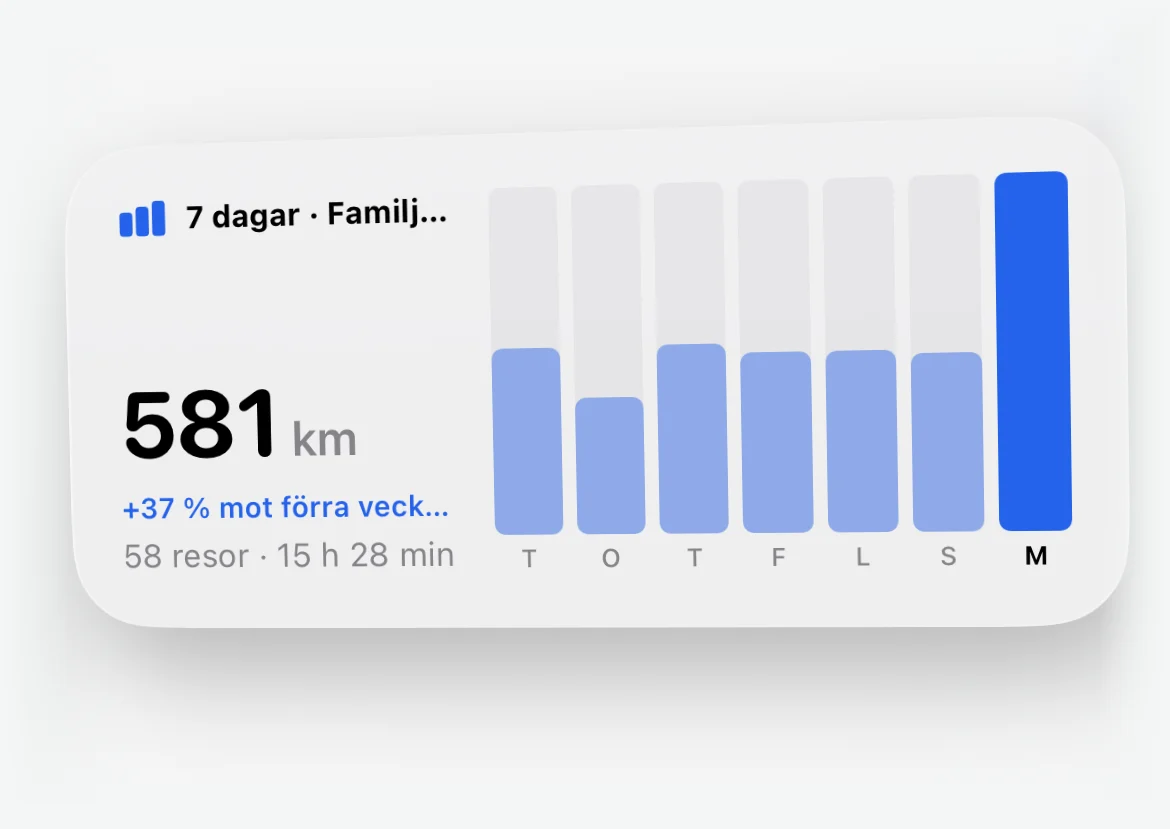
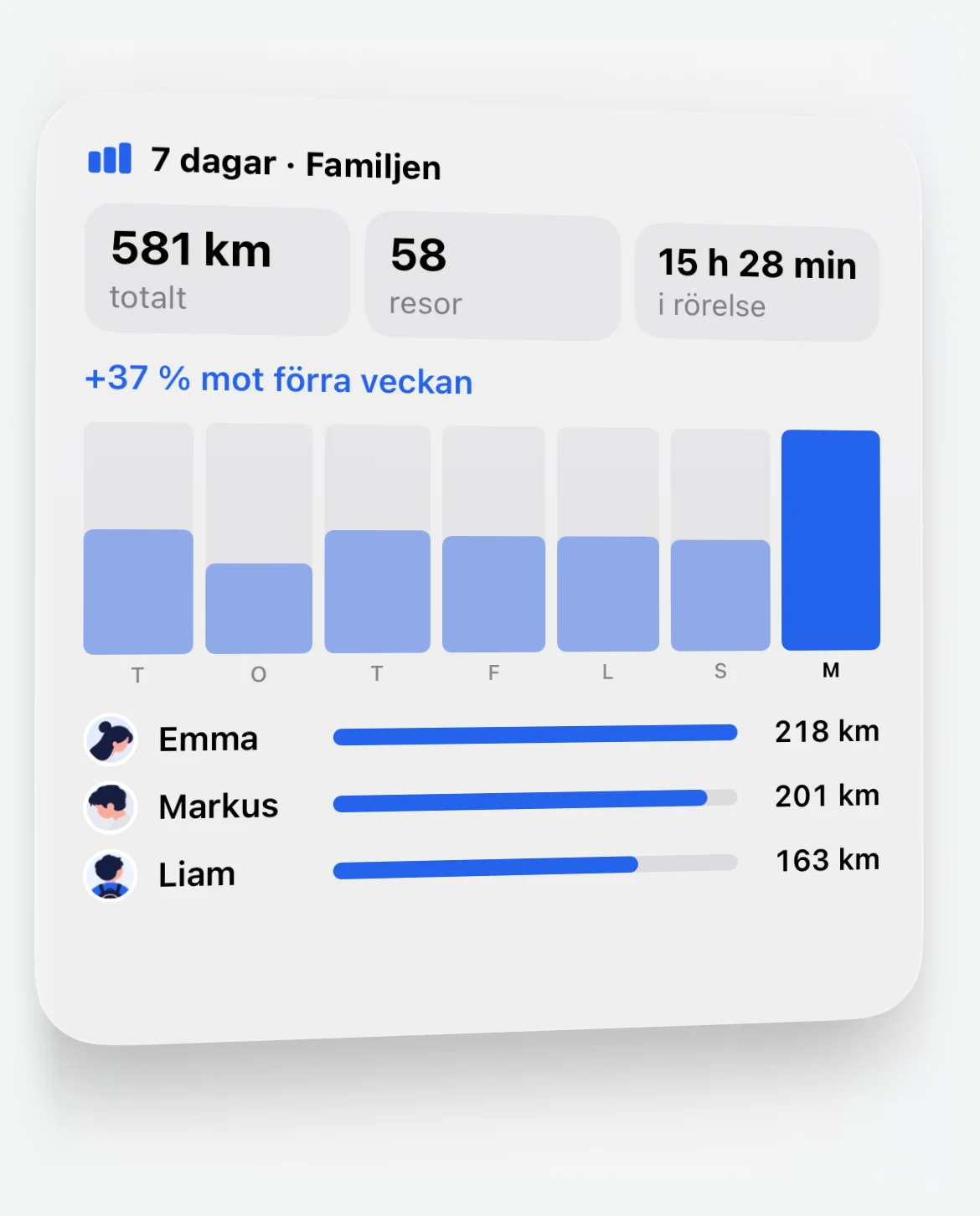
How far the family has travelled, who drove the most, your most visited places and how smoothly the driving went — over the last seven days.
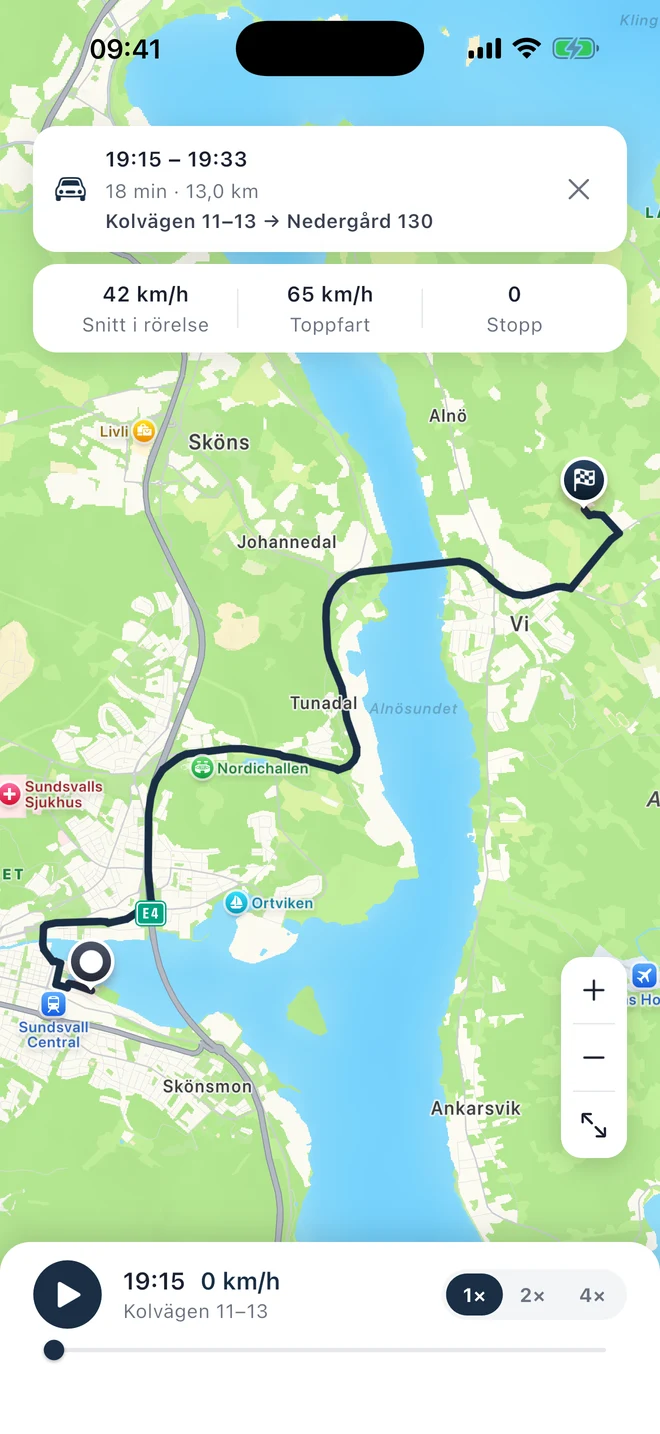
Replay the trip, exactly as it was driven
Tap a trip and watch it play out on the map — where the car turned, how fast it went and where it stood still. At normal speed, or two and four times faster.
SOS when it really matters
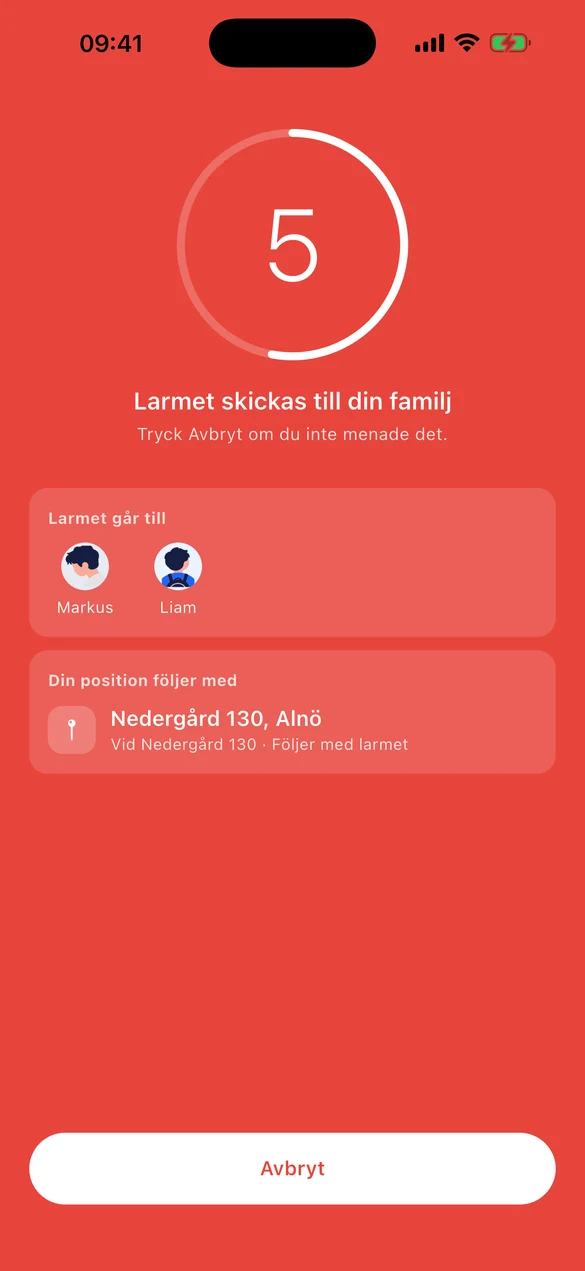
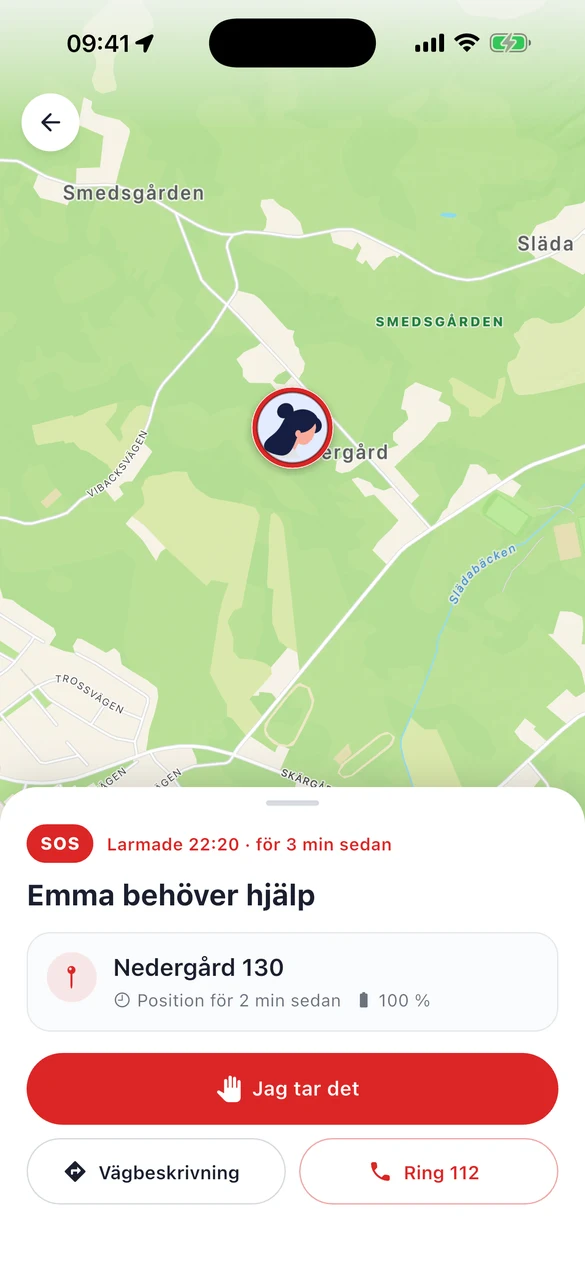
Hold the button and the alert goes to the whole family, with your location. Whoever finds you can see who you are and call 112 straight from the screen.
It works even if the subscription has run out — a child’s emergency button shouldn’t depend on a parent’s card.
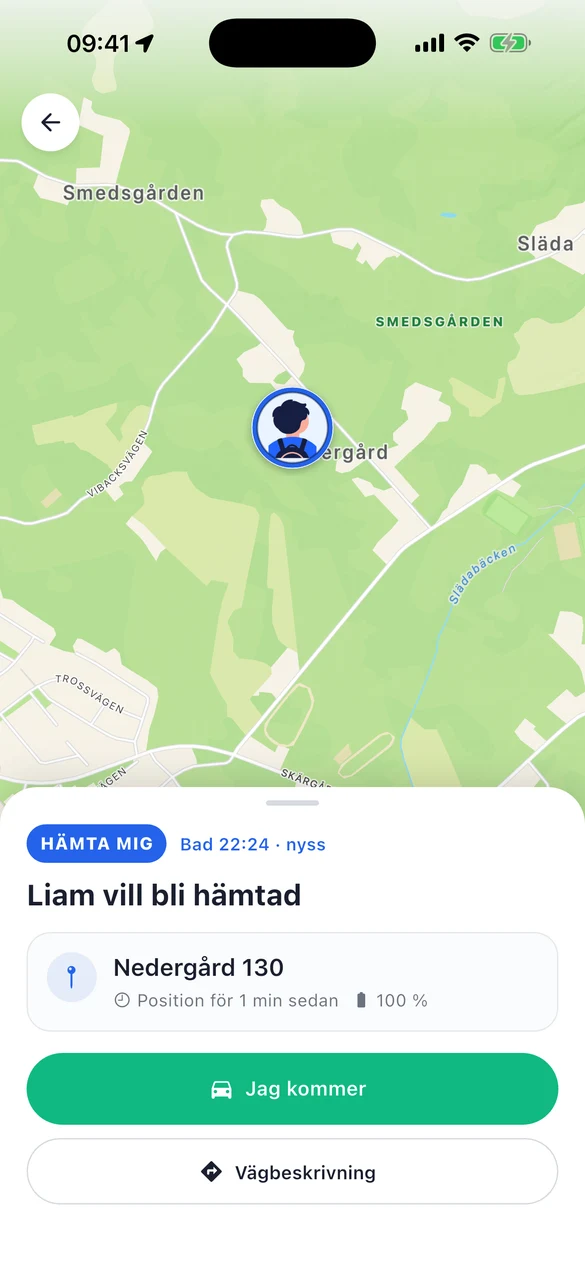
Pick me up
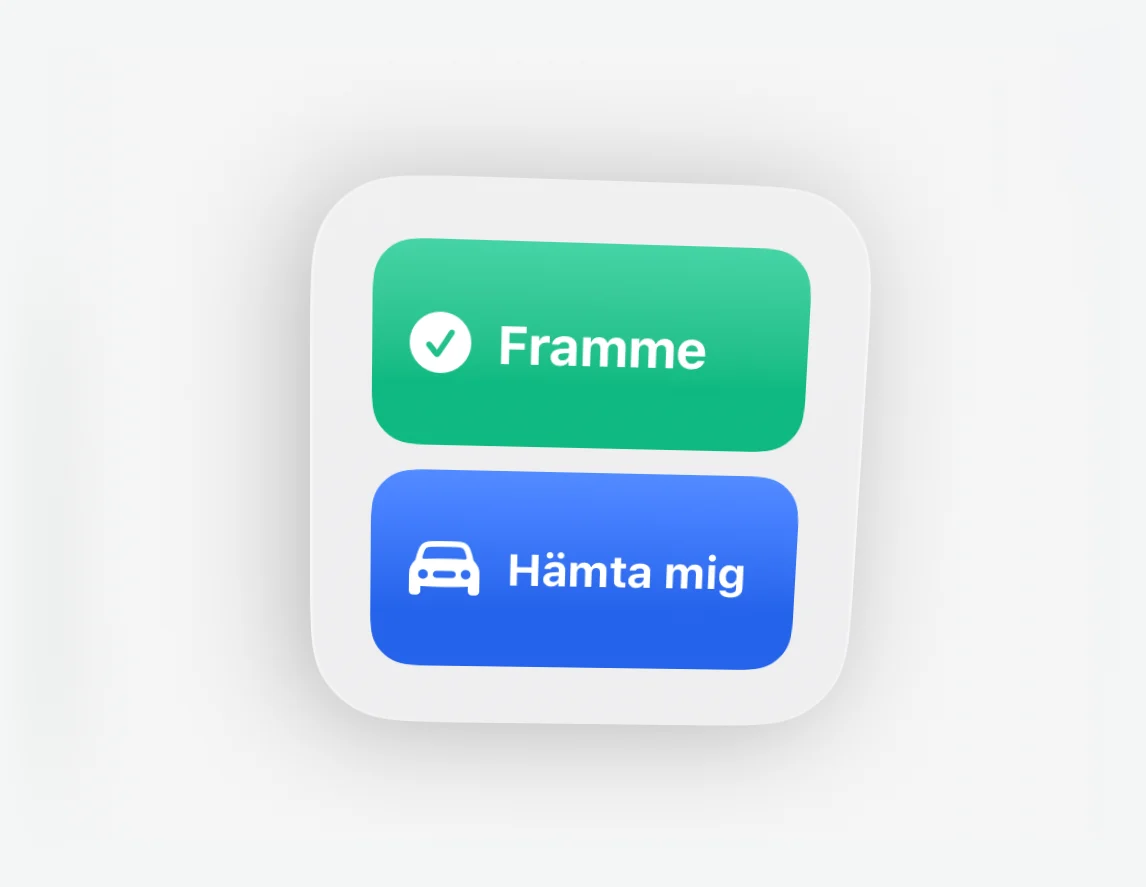
One tap, and the family sees where you are and that you’d like a lift. Whoever is coming taps On my way — and gets directions straight away.
Places
Home, school, work, practice. Draw a circle once and choose who should be told.
Pause sharing
Anyone can pause their location. The family sees that it’s paused — nothing happens behind anyone’s back.
You choose who sees you
Hide from one particular person without leaving the family.
Speed alert
Know when someone drives over the limit you’ve agreed on — not every time they brake.
Lock screen and widgets
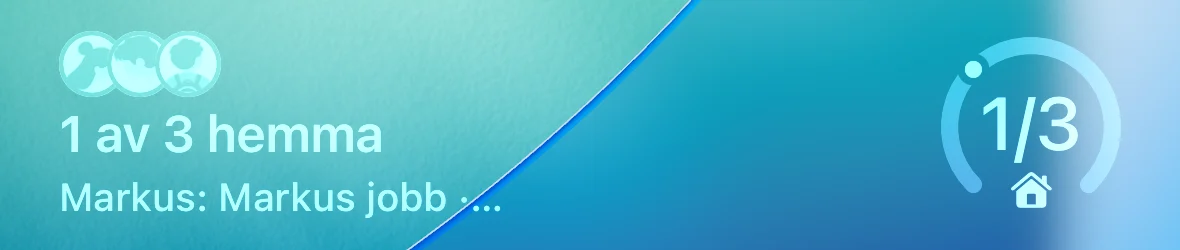
See who’s on their way home, right on the lock screen and in the Dynamic Island.
Share with a link
Let someone outside the family follow you for a while. The link expires on its own.
Easy on the battery
The GPS rests when the phone is lying still and wakes up when you move.
Several families
In both Mum’s and Dad’s family? Switch between them with one tap.
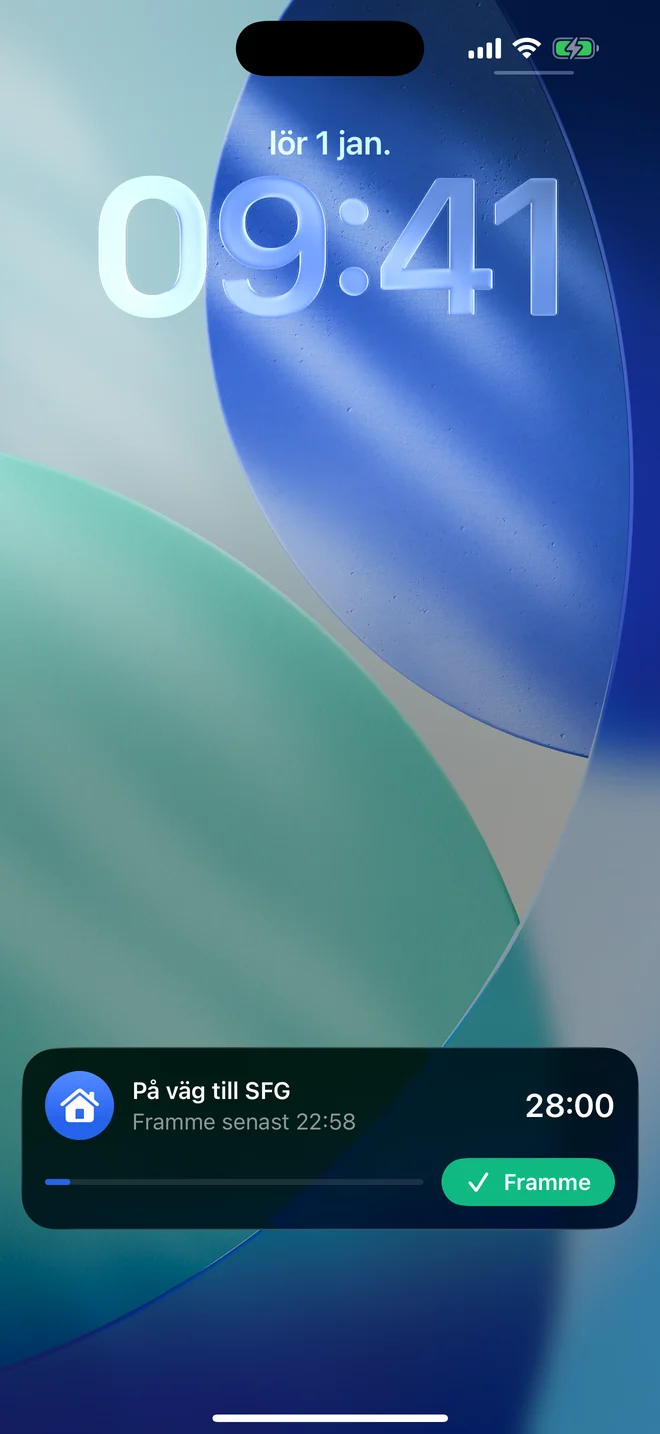
On the lock screen.
No need to unlock.
When something is going on, it stays on the lock screen and in the Dynamic Island — with the button you need, right there.
Live Activities are available on iPhone. On Android the same updates arrive as notifications.
The family on your home screen.
And your lock screen.
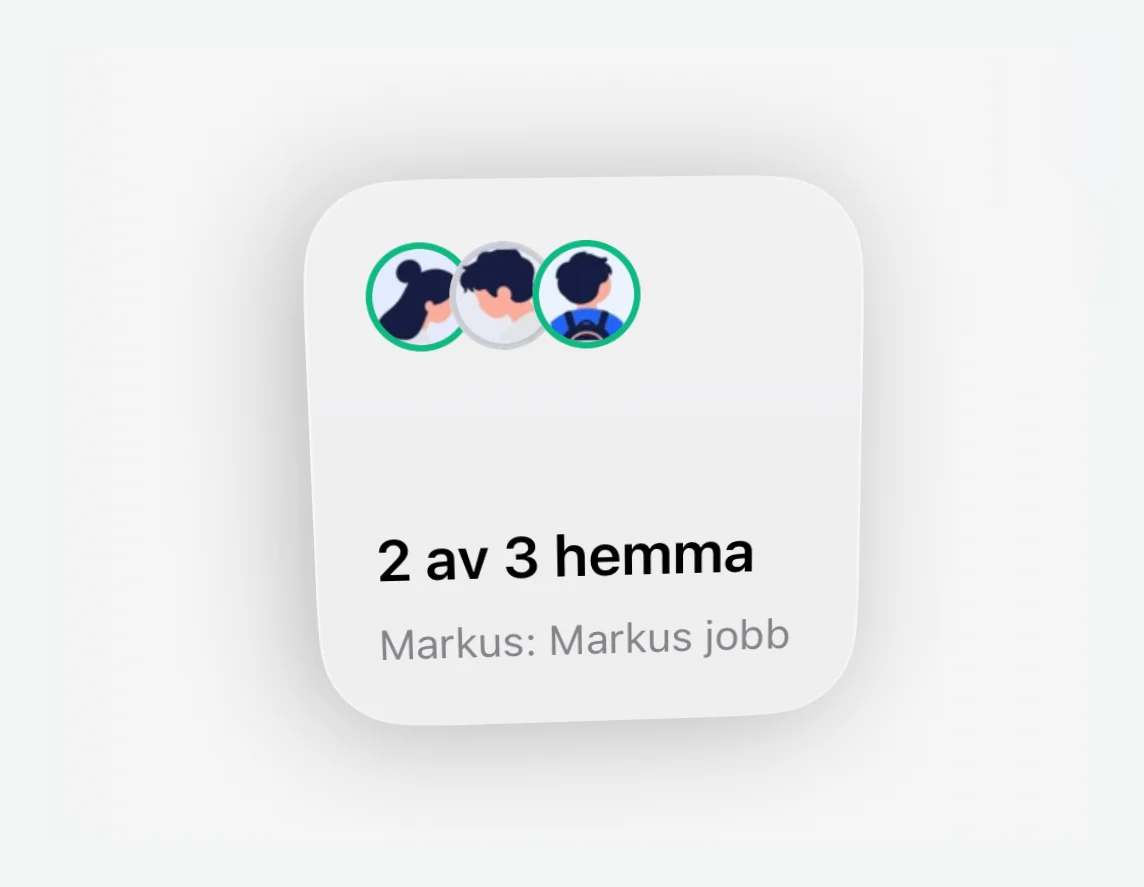
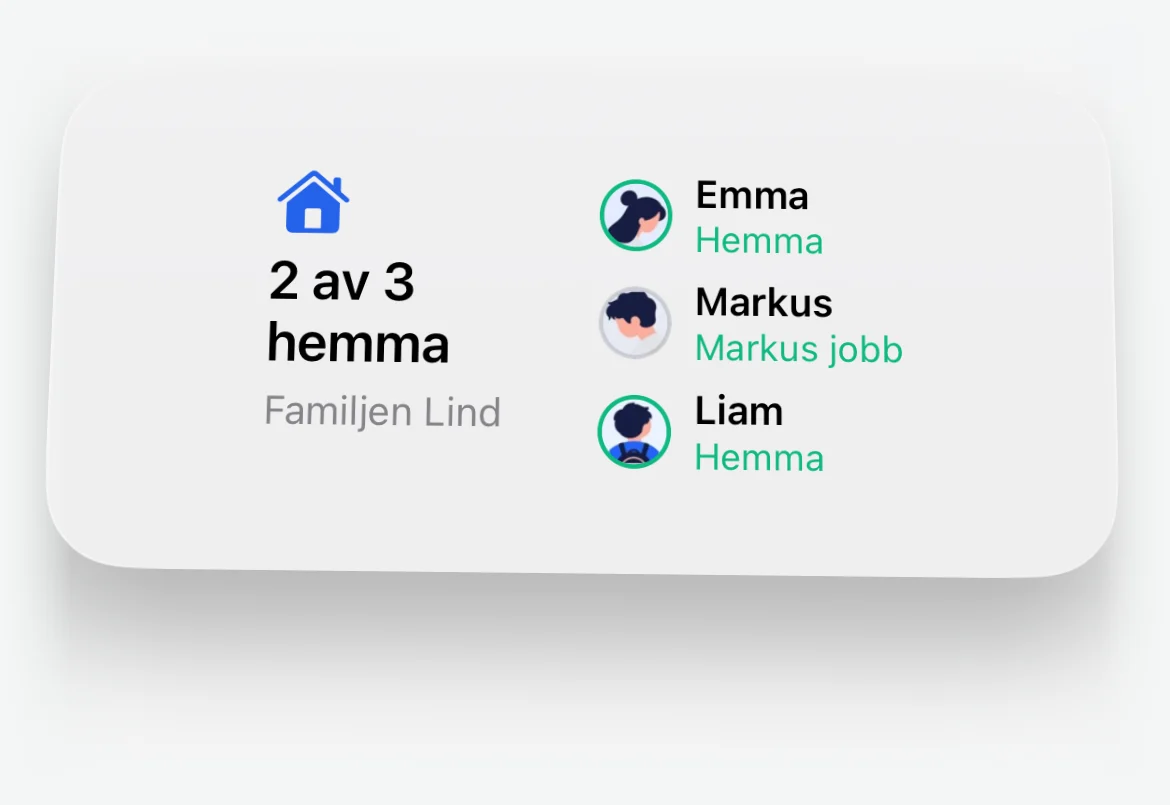
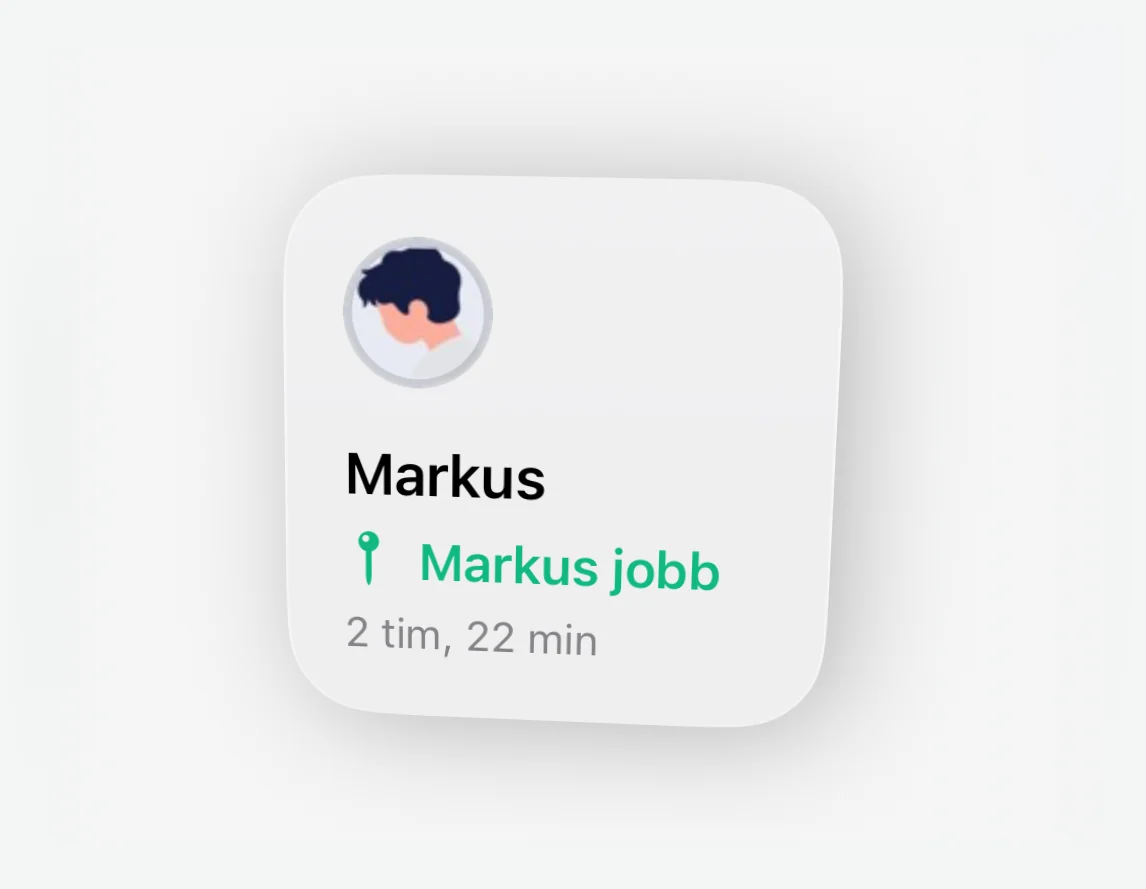
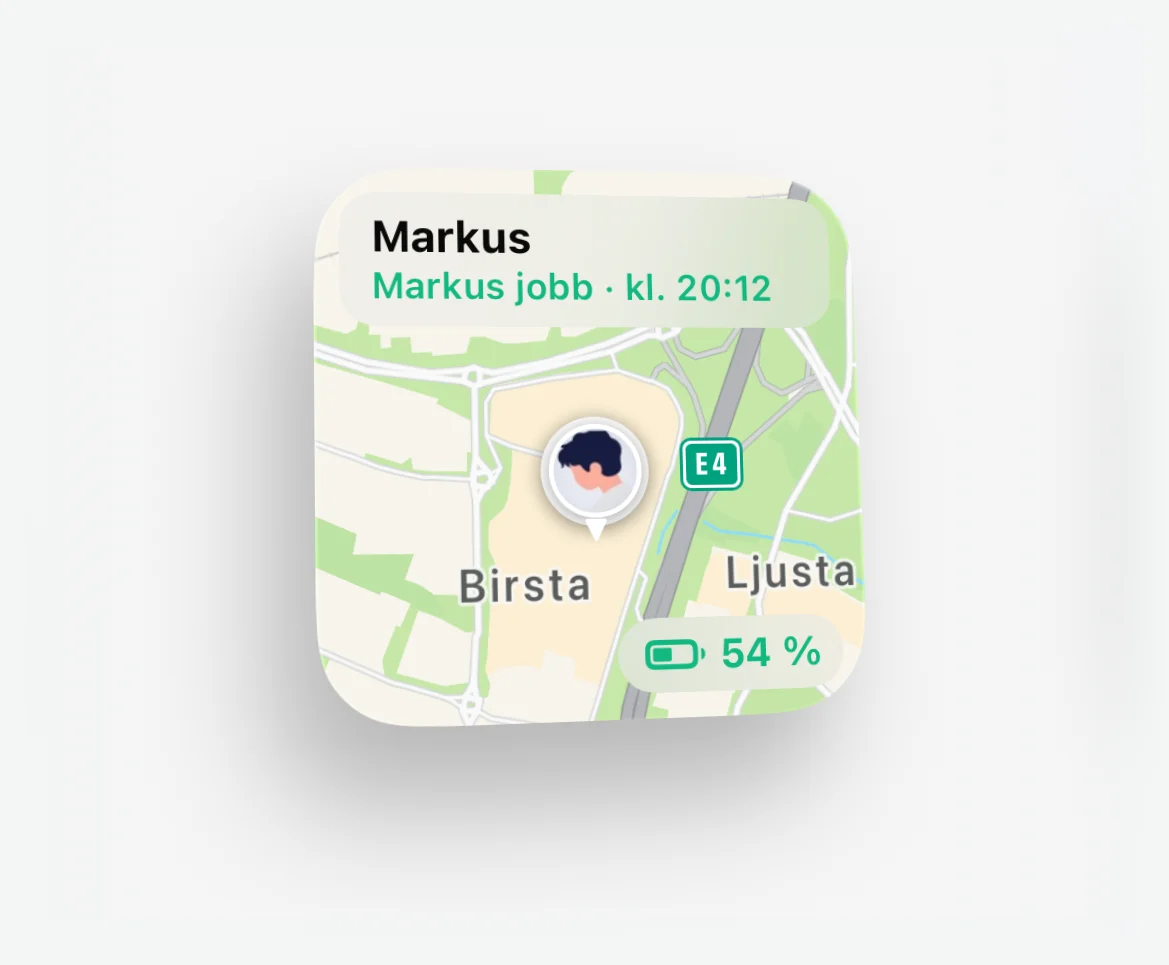
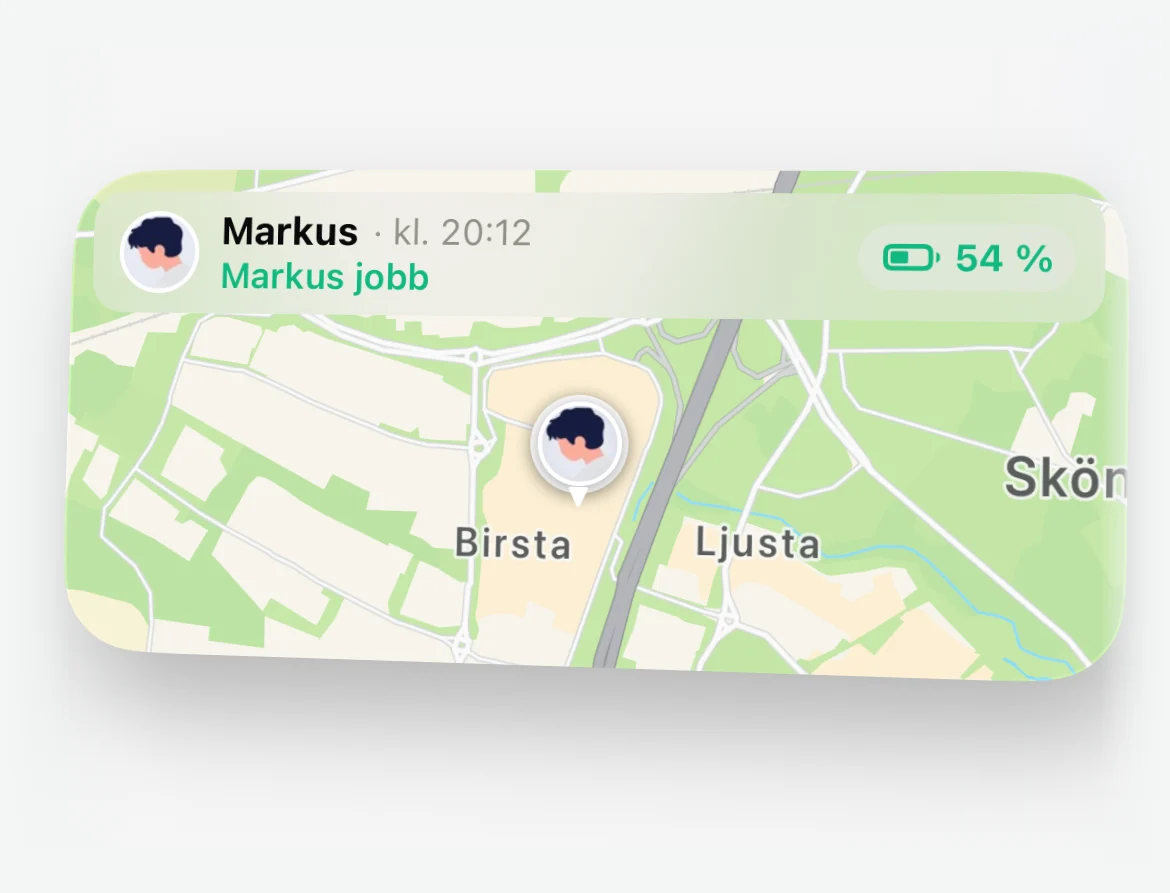
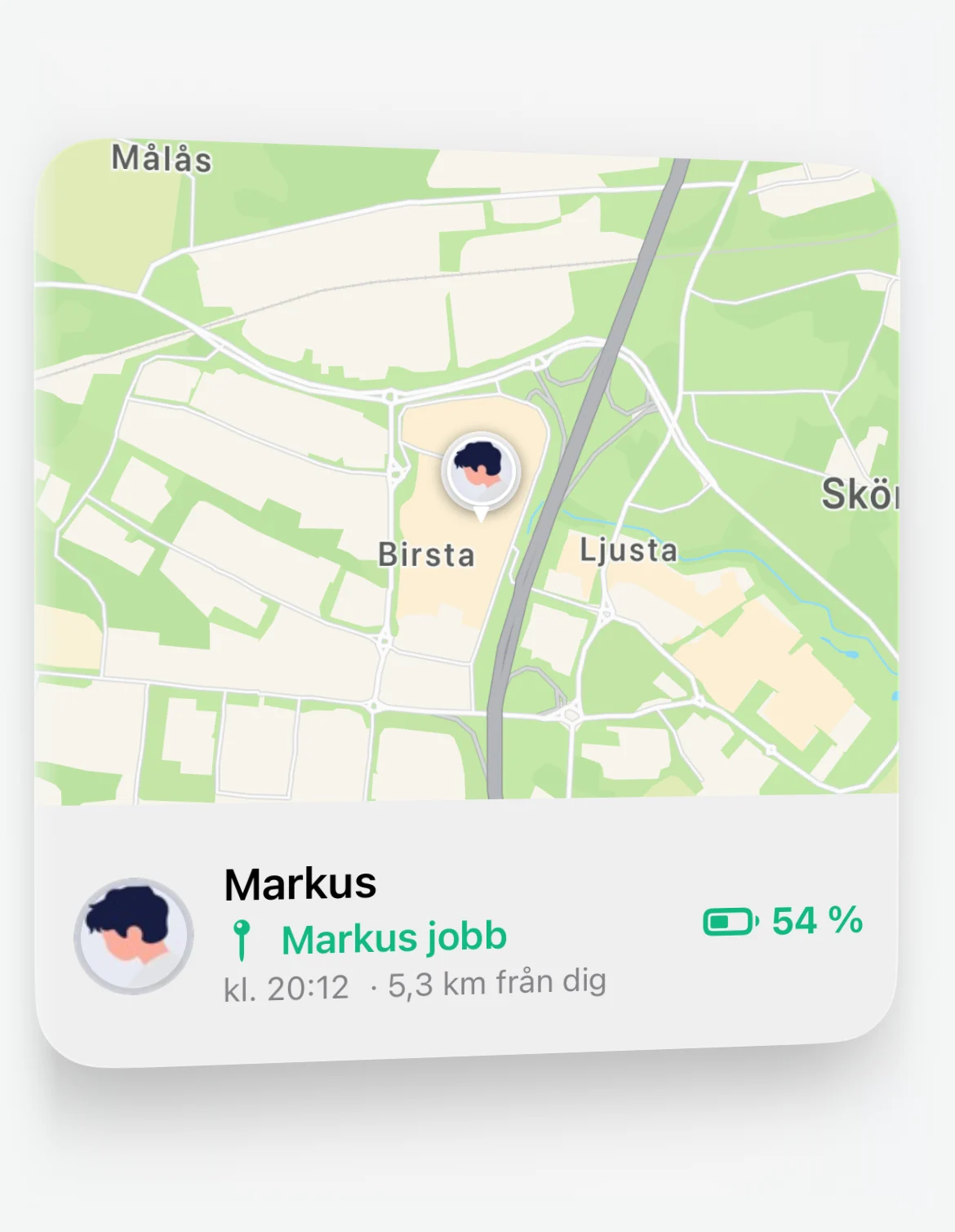
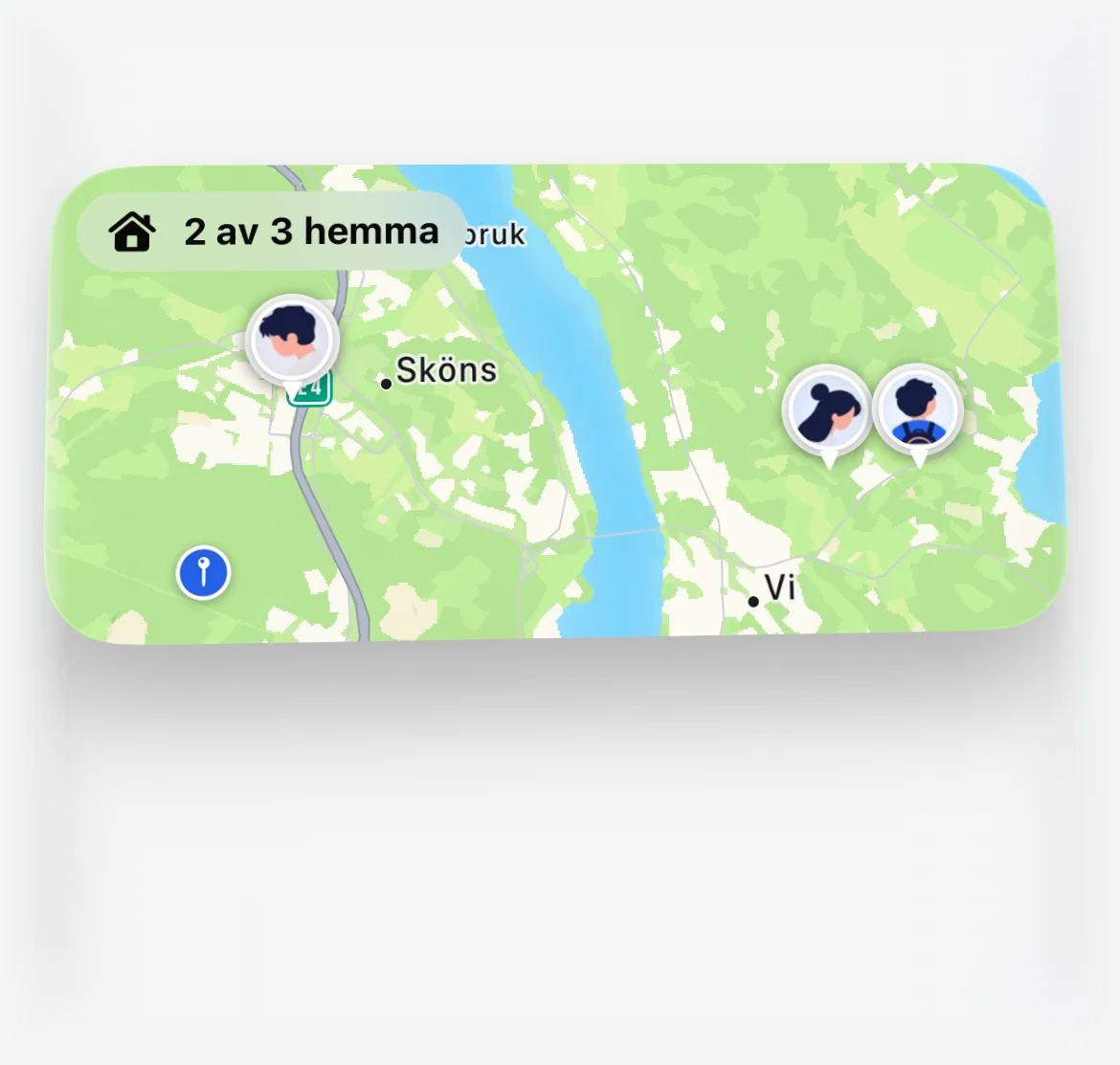
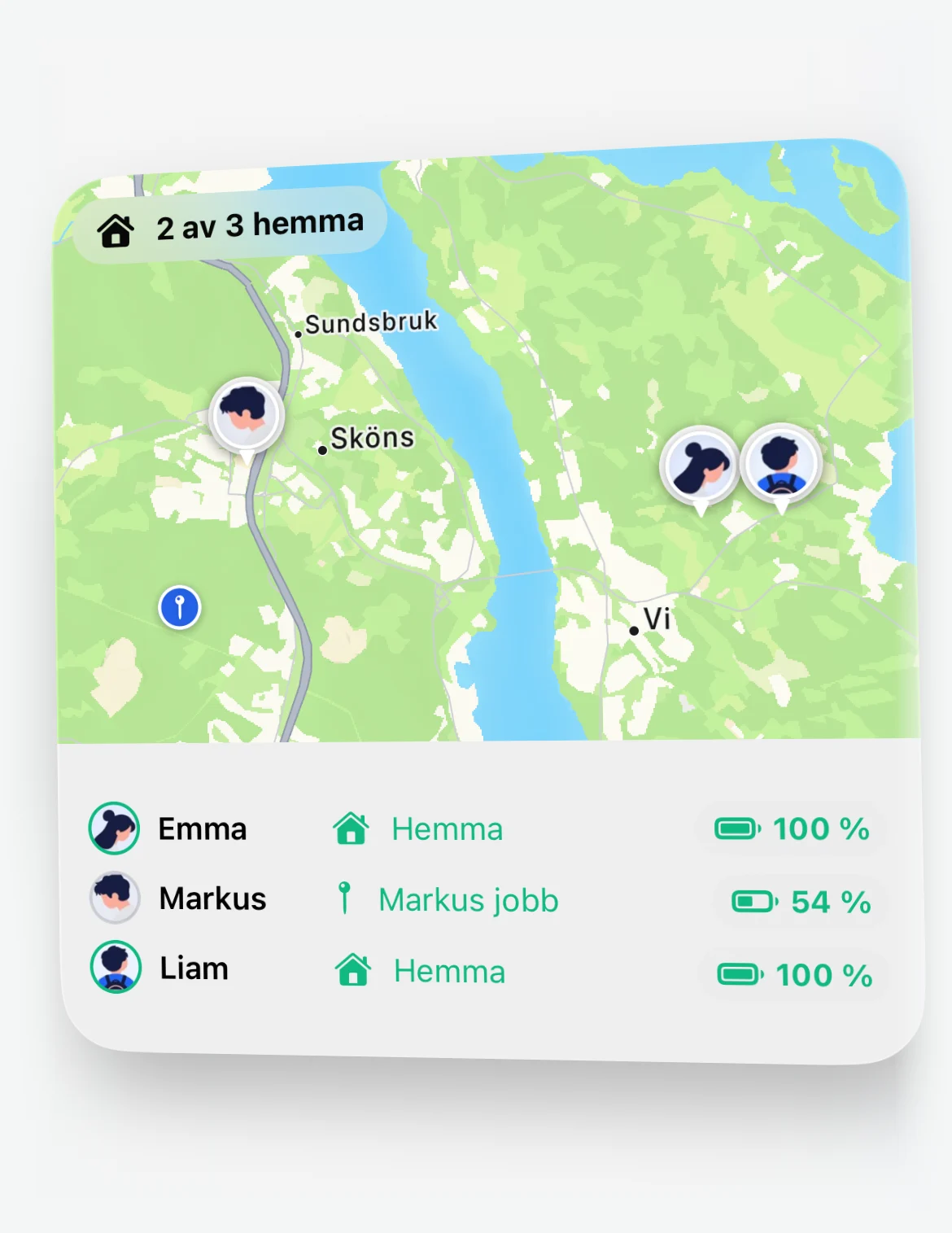
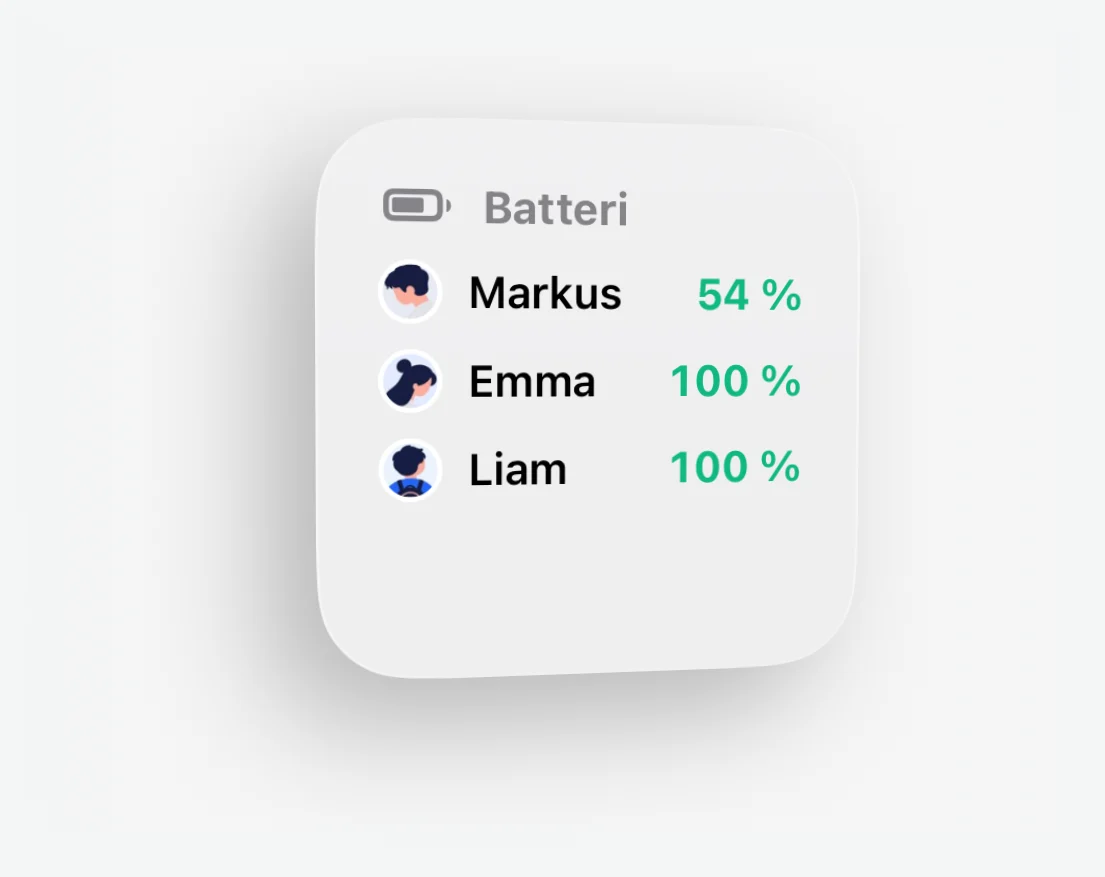
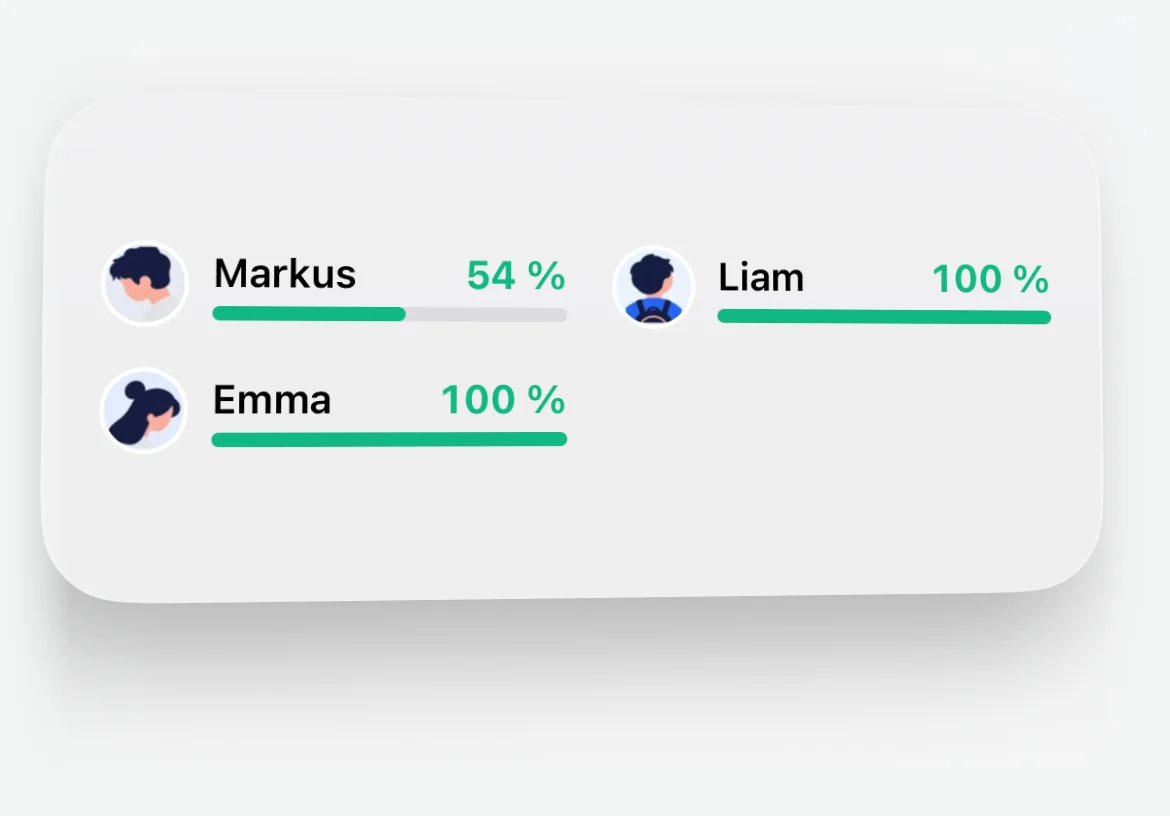
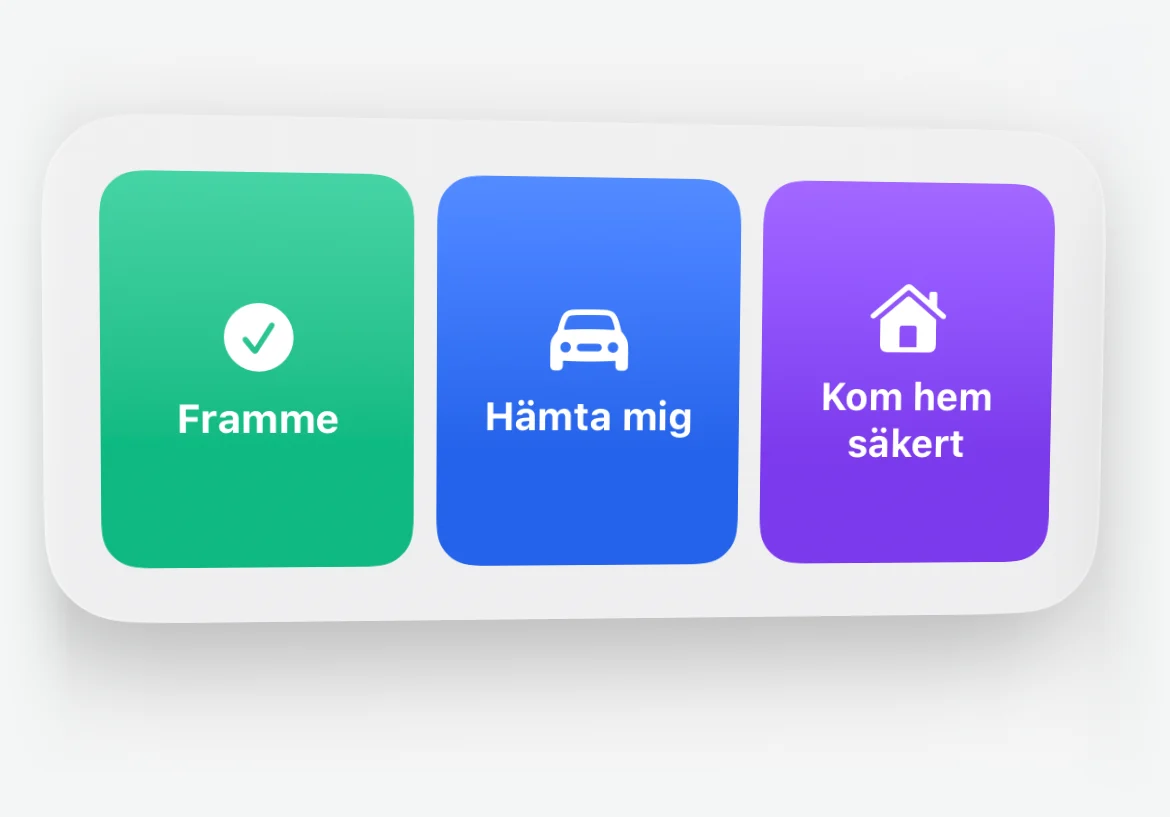
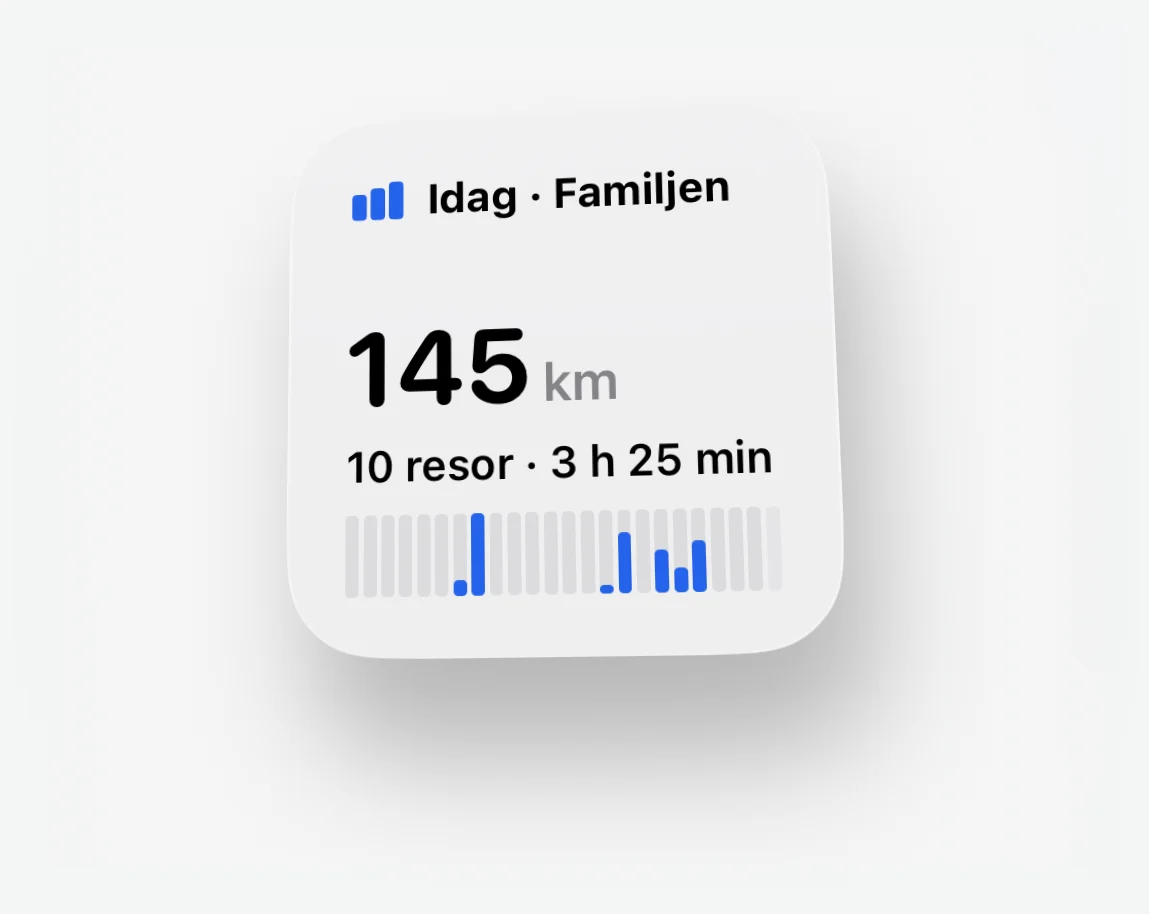
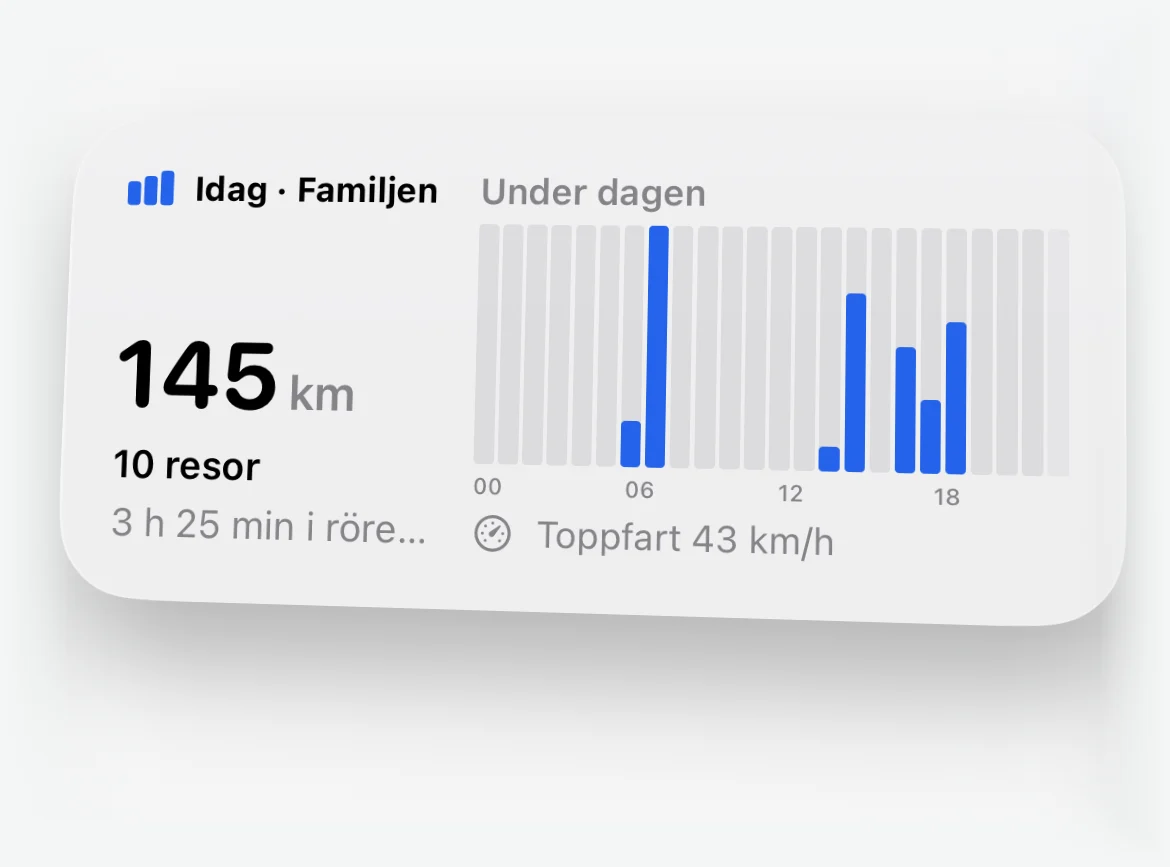
Nine widgets in several sizes: who’s at home, where someone is on the map, battery levels, today’s and this week’s trips — and shortcuts for Arrived and Pick me up.
On the lock screen
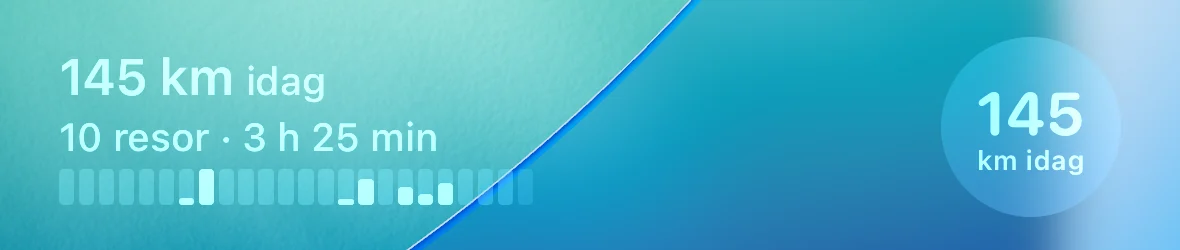
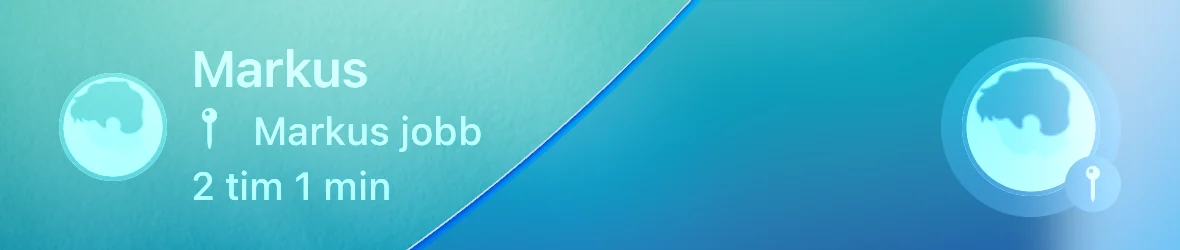
On the home screen
Peace of mind. Not surveillance.
A family app only works if everyone in the family wants it. That’s why Tracka is built to be open — in every direction.
Read the privacy policyStored in the EU
Locations are kept on servers in Frankfurt and handled in line with the GDPR.
We never sell your data
No ads, no ad networks. You pay for the app — not with your location.
Open both ways
Everyone in the family sees who can see them, and when someone has paused.
Delete everything, any time
Delete your account right in the app. Your locations and history go with it.
One price for the whole family.
Not per person — one subscription covers the whole family. Try everything in Pro free for 14 days without entering a card, then choose the plan that suits you. Switch plans or cancel whenever you like.
Pro
For the big family
Price shown in the App Store and Google Play
Monthly or yearly, in your currency
- Everything in Light
- Up to ten in the family; each GPS puck counts as one person
- A full year of trips and history
Light
Everything a family needs
Price shown in the App Store and Google Play
Monthly or yearly, in your currency
- The whole family on the map in real time
- Know when someone arrives or leaves
- SOS and Pick me up
Bought and cancelled in the App Store or Google Play. The subscription renews automatically until you cancel it. Nothing is charged when the trial ends.
Frequently asked questions
Can’t find the answer? Go to support.
What does Tracka cost?
The price of Light and Pro, monthly or yearly, is shown in the App Store and Google Play in your local currency before you buy. The price covers the whole family, not each person.
The first 14 days are free, with everything included in Pro.
What happens when the trial ends?
Nothing is charged automatically. You decide for yourselves whether to continue with Light or Pro. If you do nothing, the family is paused until someone chooses a plan — the SOS button works all the same.
How do I cancel the subscription?
The subscription is bought through the App Store or Google Play and is cancelled there: on iPhone under Settings → your name → Subscriptions. It runs to the end of the period and does not renew after that.
Can my child see that their location is being shared?
Yes. Tracka is built to be open: everyone in the family sees who can see them, and each person can pause their sharing. The family then sees that it is paused.
Children under 13 (under 15 in Denmark) need a guardian’s approval when the account is created.
Which phones does Tracka work on?
iPhone with iOS 17 or later, and Android phones. A family can mix — an iPhone and an Android phone see each other on the same map.
Does the app use a lot of battery?
Tracka senses when the phone is lying still and switches the GPS off, then switches it back on when you move. On an ordinary day you’ll hardly notice it.
Where is our data stored?
With Appwrite in Frankfurt, within the EU. We don’t sell any data and we show no ads. How long history is kept depends on the plan: 30 days on Light, 12 months on Pro.
How do I delete my account?
In the app: go to the Me tab, tap your name at the top and then Delete account. If you can’t get into the app, you can request deletion on the web.

Get started with your family today.
14 days free with everything in Pro. No card needed.